

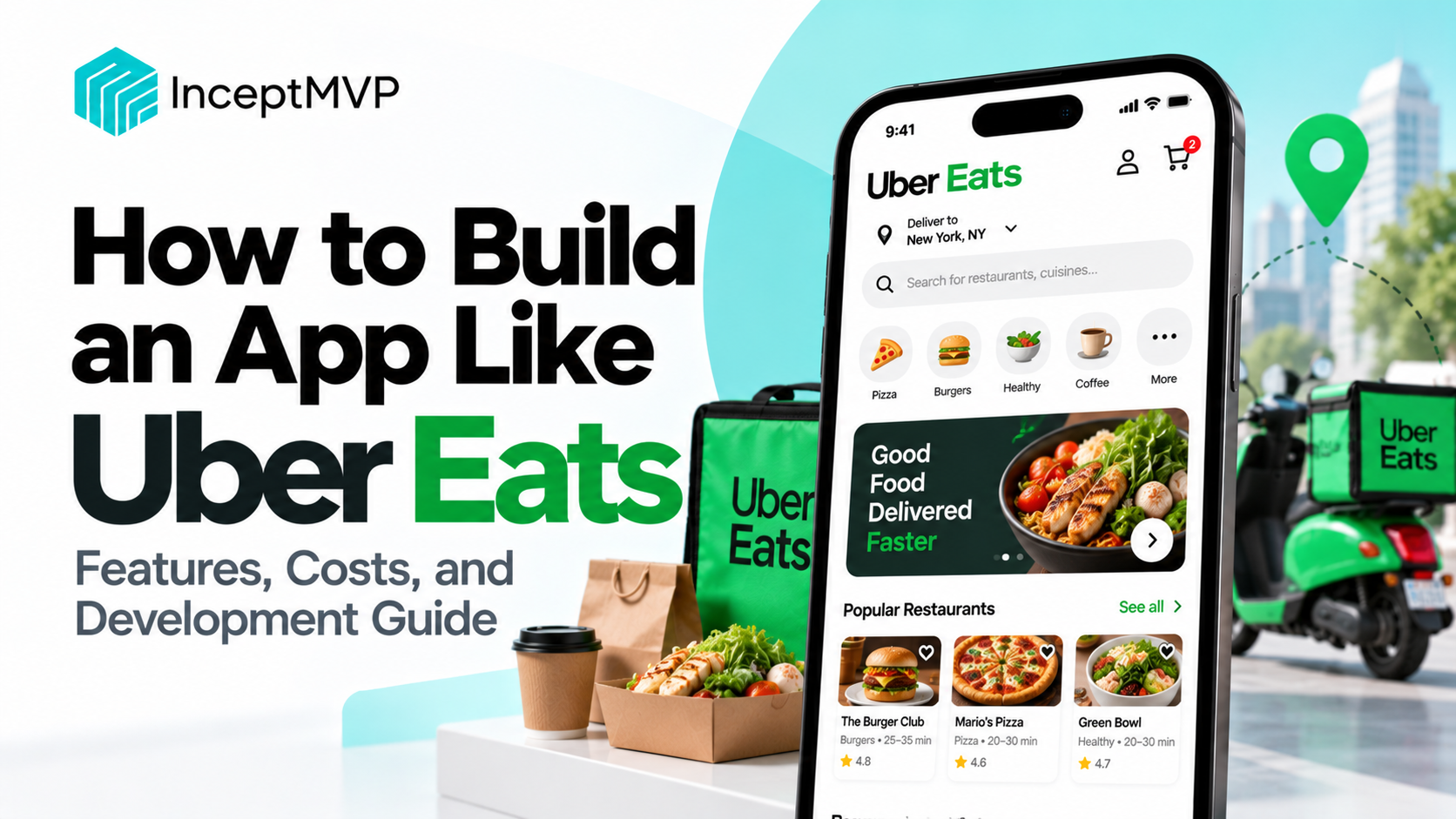
Food delivery apps connect hungry customers with restaurants and delivery partners through one convenient platform. Customers browse menus and place orders, restaurants prepare meals, and delivery partners bring orders to their destinations.
Building an app like Uber Eats means creating more than a food ordering interface. You need a connected system for restaurant onboarding, menus, payments, delivery assignment, live tracking, customer support, and order management.
This guide explains how to plan and build a food delivery app, which features to include in your MVP, how the technology fits together, and what affects development cost and timeline.
An app like Uber Eats is an on-demand food delivery platform that connects three main groups:
The platform operator manages the overall experience, including onboarding, fees, payments, customer support, promotions, and performance monitoring.
Before development, decide how your platform will operate.
|
Business model
|
How it works
|
| --- | --- |
|
Restaurant-owned delivery
|
One restaurant manages its own ordering and delivery
|
|
Multi-restaurant marketplace
|
Multiple restaurants receive orders through one platform
|
|
Delivery aggregator
|
Restaurants use the platform to reach customers and may rely on its delivery network
|
|
Hyperlocal food delivery
|
The service focuses on a specific city, neighborhood, or delivery area
|
Your choice affects the app structure, delivery workflow, restaurant tools, and revenue model.
A typical order moves through several stages, from restaurant discovery to delivery completion.
A reliable app keeps these stages synchronized. If a restaurant rejects an order or a delivery partner becomes unavailable, the platform needs a clear process for handling the change.
A food delivery platform usually needs separate experiences for customers, restaurants, delivery partners, and administrators.
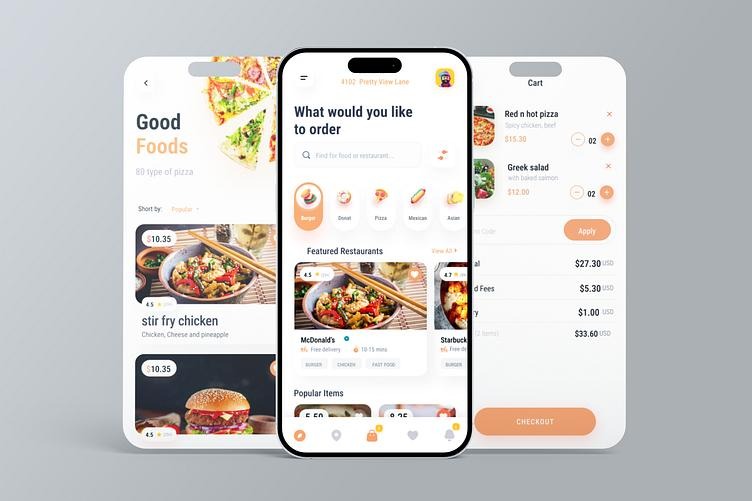
The customer app should make finding food and placing an order simple.
Include:
Show only restaurants that can reasonably serve the customer's selected address, based on your delivery-area rules.
Customers should be able to:
Menu customization should reflect the restaurant's actual options and availability.
Include:
Make fees and the final amount visible before the customer places the order.
Customers should be able to view past orders, check order details, and reorder available items. Reordering should still verify current menu prices, restaurant availability, and item options.
Allow customers to provide feedback on eligible orders. You can support separate feedback for food quality and delivery experience, while applying clear moderation and authenticity rules.
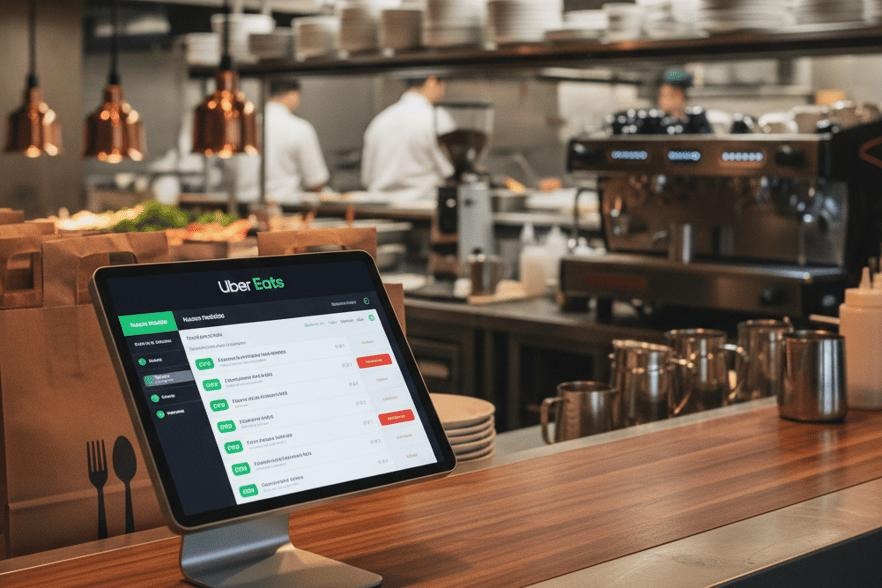
Restaurant onboarding is one of the most important operational parts of a delivery platform. Restaurants need a simple way to join, set up their menus, and manage incoming orders.
A restaurant onboarding workflow may collect:
The exact documents and verification steps depend on the country and local requirements.
Restaurant staff need tools to:
A flexible menu system should support categories, item descriptions, images, prices, modifiers, and availability schedules.
For example, a restaurant may offer a burger with several size options, optional cheese, and a choice of sauces. The app should calculate the total correctly and send the selected options to the restaurant.
A dashboard can report:
Use these metrics to help restaurants understand their operations, not simply to create rankings without context.
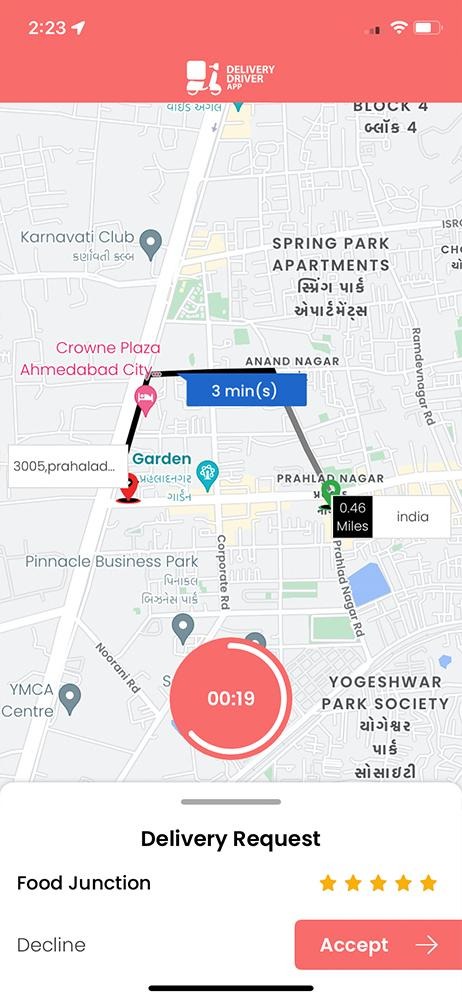
The delivery partner app helps couriers receive delivery requests, navigate to restaurants and customers, and update delivery progress.
Depending on the operating model, onboarding may include:
Verification requirements vary by location and business model.
Delivery partners should be able to:
Couriers may need controls to go online or offline, update availability, and view active or completed deliveries.
The system should avoid assigning new deliveries to partners who are unavailable or already at their workload limit.
Depending on your payment model, provide:
Clearly explain how earnings, fees, and incentives are calculated.
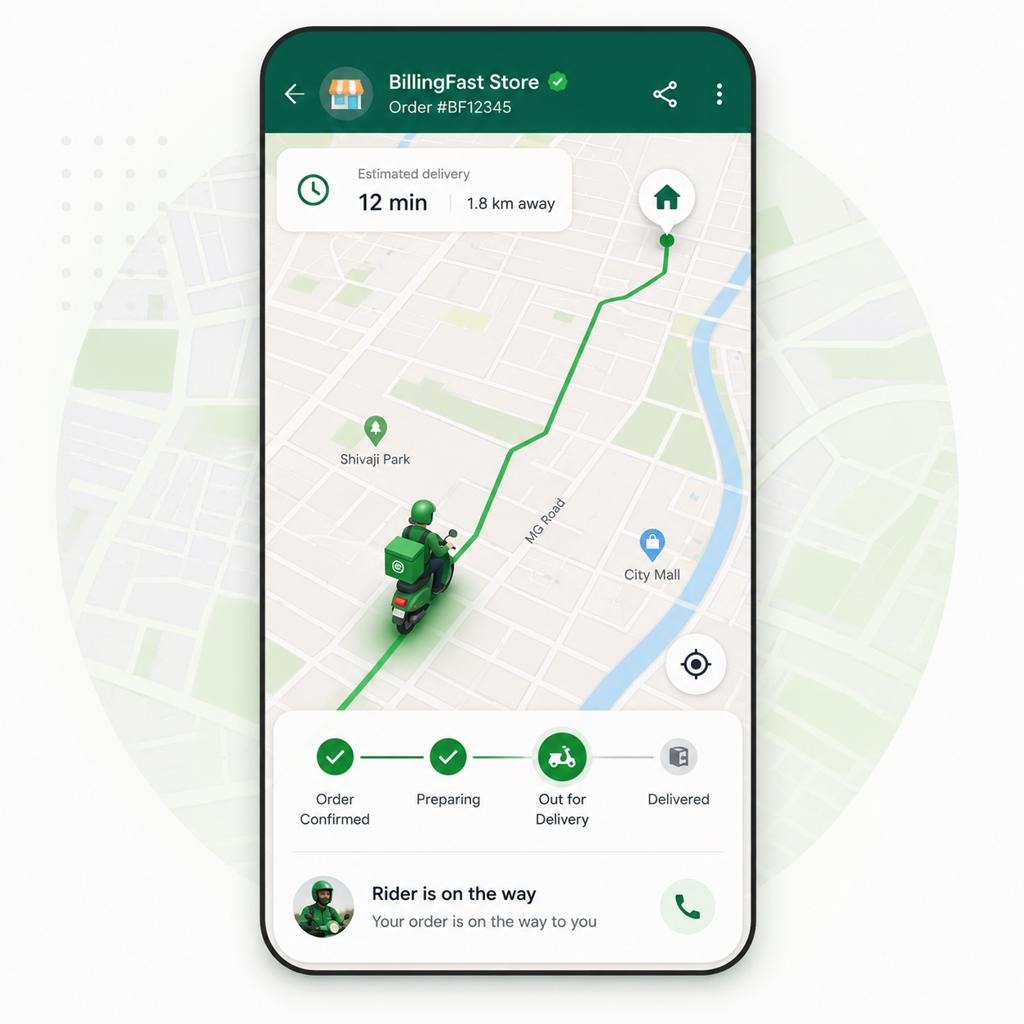
Live tracking helps customers understand where their order is and what is happening next.
A tracking experience may include:
The delivery partner app can send location updates while a delivery is active and location sharing is enabled. The backend processes those updates and sends relevant information to the customer app.
A typical technical flow is:
Privacy matters: Collect only the location data needed for the delivery workflow. Explain when location is used, restrict access, and stop tracking when it is no longer needed.
An estimated arrival time can consider:
Treat estimates as estimates. Avoid presenting them as guaranteed arrival times.
The order management system connects customer orders, restaurant preparation, delivery assignment, payment status, and customer support.
Each order should have a clear status and a record of important changes.
|
Order status
|
Meaning
|
| --- | --- |
|
Placed
|
Customer submitted the order
|
|
Confirmed
|
Restaurant accepted the order
|
|
Preparing
|
Restaurant is preparing the food
|
|
Ready for pickup
|
Restaurant marked the order ready
|
|
Courier assigned
|
A delivery partner is assigned
|
|
Picked up
|
Delivery partner collected the order
|
|
On the way
|
Delivery is in progress
|
|
Delivered
|
Order was completed
|
|
Cancelled
|
Order was cancelled under the applicable rules
|
Some states may happen in a different order depending on the delivery model. For example, courier assignment can happen before or after restaurant confirmation.
Real-world deliveries do not always go as planned. Your system should define what happens when:
For each case, define who can take action, which notifications are sent, and how payments and order records are updated.
The admin dashboard gives the platform operator a central place to manage restaurants, customers, delivery partners, orders, and business operations.
|
Admin feature
|
Purpose
|
| --- | --- |
|
Restaurant management
|
Review applications, manage profiles, and handle account status
|
|
Courier management
|
Review onboarding, availability, and delivery activity
|
|
Order monitoring
|
View active, completed, delayed, and cancelled orders
|
|
Payment management
|
Track transactions, refunds, commissions, and payouts
|
|
Promotions
|
Configure eligible coupons and campaigns
|
|
Support tools
|
Review complaints, delivery issues, and refund requests
|
|
Analytics
|
Monitor orders, revenue, delivery times, and platform activity
|
|
Service areas
|
Define supported locations and delivery rules
|
For a multi-restaurant platform, role-based permissions help ensure that restaurant staff, couriers, support agents, and administrators only access the information they need.
A food delivery app may involve payments from customers, commissions charged to restaurants, delivery partner earnings, and refunds.
Your payment system should keep these transactions clear and traceable.
You may charge restaurants a percentage or fixed fee for eligible orders. The platform should calculate commissions based on clearly defined rules, including how discounts, taxes, refunds, and delivery fees are handled.
Use a payment provider that supports your launch country and business model. Marketplace payouts may require additional onboarding and verification.
Your first version should prove that customers can place orders, restaurants can fulfill them, and deliveries can be completed reliably.
0 of 12 selected
Select all
Customer registration and delivery addresses
Restaurant listings and search
Menus, item options, and availability
Cart and checkout
Payment integration or configured cash-on-delivery flow
Restaurant onboarding and order dashboard
Courier onboarding and delivery requests
Order status updates
Basic delivery tracking
Admin dashboard
Order cancellation and refund workflows
Customer support and basic analytics
Features such as automated courier batching, advanced demand forecasting, subscription plans, and AI-based recommendations can be considered after the core delivery operation is working.
Development cost depends on the number of apps, feature complexity, integrations, launch market, and delivery operations.
The following figures are illustrative planning ranges, not verified industry averages or a development quote.
|
Development scope
|
Illustrative budget
|
| --- | --- |
|
Basic local food delivery MVP
|
$15,000–$40,000
|
|
Mid-level platform with courier app and live tracking
|
$40,000–$100,000
|
|
Advanced multi-city platform with complex logistics
|
$100,000–$250,000+
|
Actual costs can vary significantly. These estimates do not necessarily include ongoing map usage, payment processing, hosting, customer support, courier operations, marketing, or other business expenses.
Practical recommendation: Start with one launch area, a limited restaurant network, and a straightforward delivery workflow. Expand the technology as your operations grow.
A focused MVP may take a few months, while a complex platform can require a longer development cycle.
|
Project stage
|
Example planning range
|
| --- | --- |
|
Discovery and requirements
|
1–3 weeks
|
|
UI/UX design
|
2–5 weeks
|
|
MVP development
|
8–16 weeks
|
|
Testing and launch preparation
|
2–5 weeks
|
These stages can overlap. The estimates are not guaranteed timelines. Custom delivery algorithms, marketplace payments, and complex integrations can extend the schedule.
The right development approach depends on how much control and flexibility your delivery platform requires.
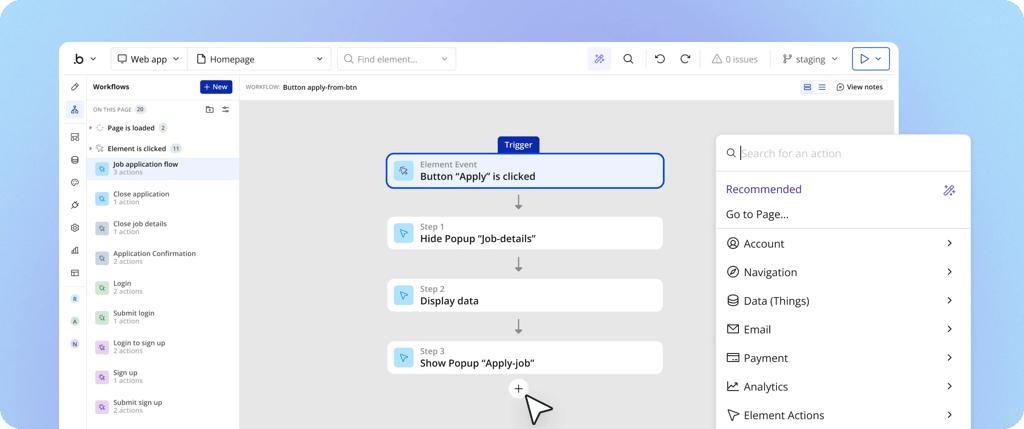
No-code development
Can help validate a simple ordering concept using visual tools and standard workflows. Check whether the platform supports your required location, payment, and notification integrations.
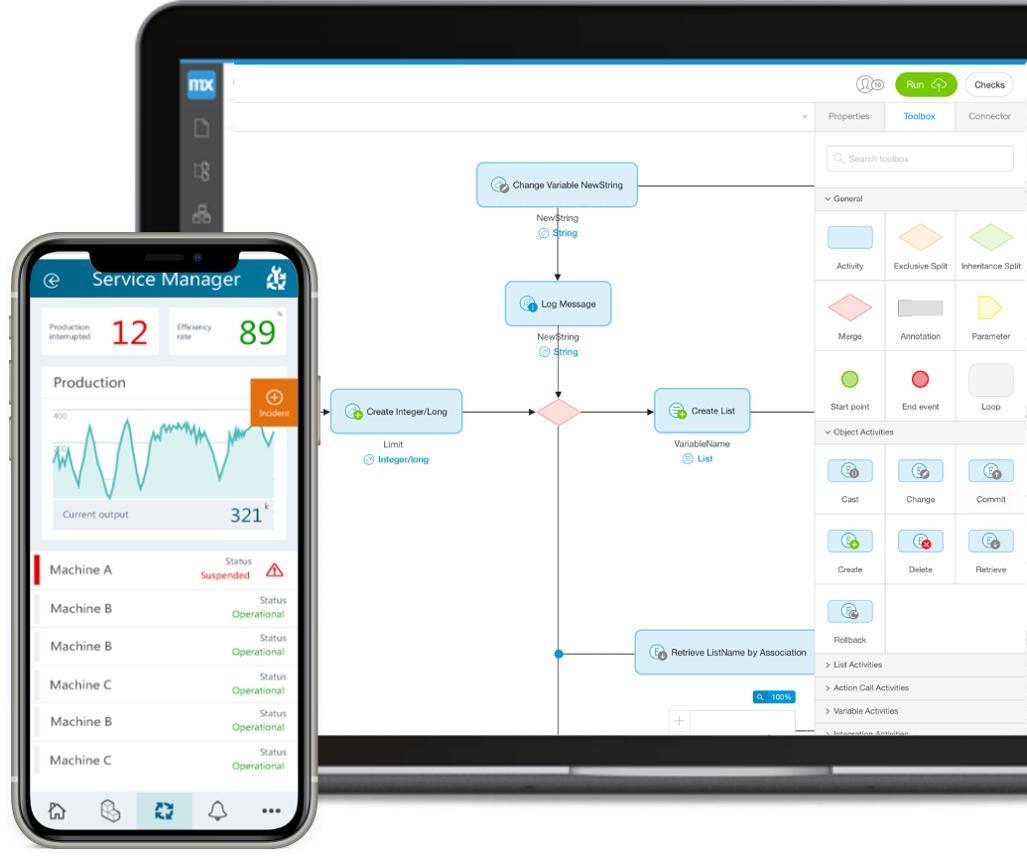
Low-code development
Combines visual development with custom code. It may suit an MVP that needs tailored restaurant workflows or integrations without building every component from scratch.

Custom development
Offers greater control over complex delivery assignment, real-time systems, scaling, and specialized integrations. It also requires more engineering effort and ongoing technical maintenance.
A hybrid approach may also work: use established services for maps, payments, and notifications while building custom workflows for your business.
Food delivery platforms can combine several revenue streams.
|
Revenue model
|
How it works
|
| --- | --- |
|
Restaurant commission
|
Charge restaurants a fee or percentage on eligible orders
|
|
Customer delivery fee
|
Charge customers for delivery under clear pricing rules
|
|
Service fee
|
Add a disclosed platform or service fee
|
|
Restaurant subscriptions
|
Offer optional paid plans for restaurant tools or services
|
|
Sponsored placements
|
Sell clearly labeled promotional placement to restaurants
|
|
Customer membership
|
Offer a paid plan with defined delivery or ordering benefits
|
The right model depends on your market, restaurant agreements, delivery costs, and customer expectations.
Before setting fees, calculate the cost of fulfilling an order, including payment processing, delivery incentives, support, refunds, and other operating expenses.
Restaurant onboarding affects how quickly your platform can build a useful selection of places to order from.
A structured onboarding process should include:
Give restaurant partners clear instructions and a way to request support when menu or order information needs correction.
Delivery assignment is a key operational challenge. The system needs to connect available couriers with orders while considering delivery conditions.
For an MVP, you can start with simple rules based on:
As the platform grows, you can consider more advanced assignment methods that account for traffic, delivery batching, expected preparation time, and demand.
Live tracking should support the delivery experience, not replace accurate order-status management.
A broad launch can make it harder to maintain restaurant coverage and delivery reliability.
What to do instead: Start with a focused service area and expand when restaurant and courier operations can support it.
A polished customer interface cannot compensate for poor restaurant or courier workflows.
What to do instead: Design the full order journey across all user roles.
Orders can fail because of unavailable food, courier cancellations, incorrect addresses, or payment problems.
What to do instead: Define exception-handling rules before launch.
Unreliable arrival estimates can frustrate customers and create support issues.
What to do instead: Use realistic estimates and update them when meaningful information changes.
Complex setup can slow down the process of adding restaurants.
What to do instead: Use a clear onboarding checklist and provide assistance with menu setup.
Customer payments, restaurant commissions, refunds, and courier payouts can become difficult to manage without clear records.
What to do instead: Track each financial transaction and define how adjustments are handled.
Continuous location tracking without a clear need creates privacy and trust concerns.
What to do instead: Limit collection to the delivery workflow, explain its purpose, and restrict access.
Launching a food delivery platform requires a connected product for customers, restaurants, delivery partners, and administrators.
InceptMVP helps businesses plan and develop digital products, including marketplace and app-based platforms. Your development roadmap should reflect your launch market, delivery model, operational requirements, and budget.
Whether you are building a local restaurant ordering app or a multi-restaurant delivery marketplace, begin with a practical MVP that can handle real orders from start to finish.
Define your customer experience, restaurant workflows, delivery process, and MVP requirements before development begins.
Explore InceptMVP marketplace development
A basic local food delivery MVP may have an illustrative development budget of $15,000–$40,000. More advanced platforms with courier apps, live tracking, and complex logistics can cost considerably more. Actual pricing depends on scope and integrations.
A focused MVP may take a few months to design, develop, test, and prepare for launch. More complex delivery and payment systems can require additional time.
Core features include restaurant discovery, menus, cart and checkout, payments, restaurant order management, delivery partner workflows, order tracking, customer support, and an admin dashboard.
Restaurants typically submit business details, complete applicable verification, configure their menus and operating hours, and test the order workflow before going live.
The courier app can send location updates during an active delivery. The backend shares authorized updates with the customer app, which displays the courier's location and order progress when available.
No-code and low-code tools can support some food ordering workflows. The right choice depends on whether the tools can handle your required delivery assignment, tracking, payments, and integrations.
Common revenue streams include restaurant commissions, delivery fees, service fees, restaurant subscriptions, sponsored placements, and optional customer memberships.
If your platform manages its own delivery network, a dedicated courier experience is often useful for delivery requests, navigation, status updates, and earnings. Smaller or restaurant-managed models may use a different workflow.
The challenge is coordinating customers, restaurant preparation, delivery availability, payments, and order updates reliably. The technical solution needs to reflect the actual operating model.
Start with restaurant discovery, menus, ordering, restaurant order acceptance, delivery assignment, order status updates, and basic admin controls. Add advanced logistics and personalization after validating the core workflow.


.svg)
.svg)


.avif)
