


.png)
.png)





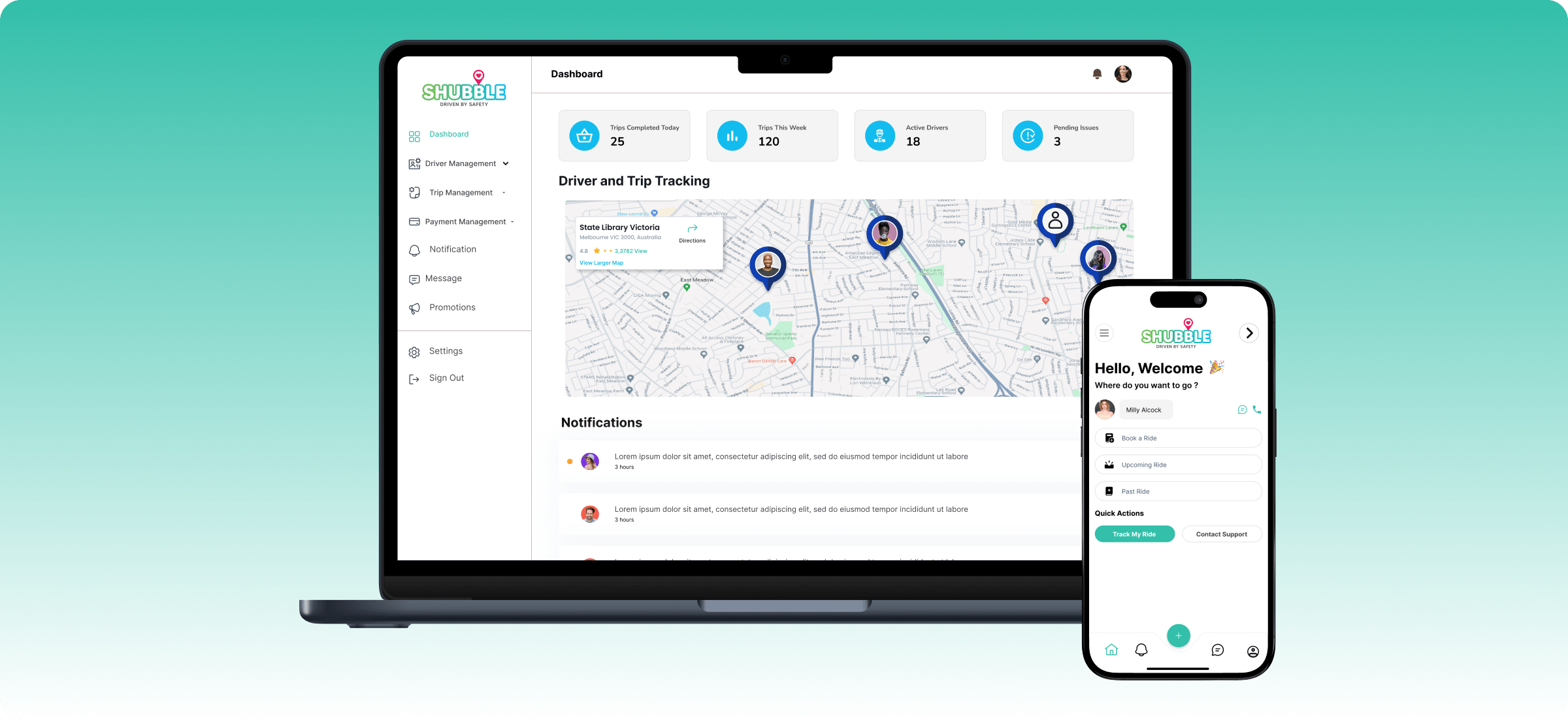
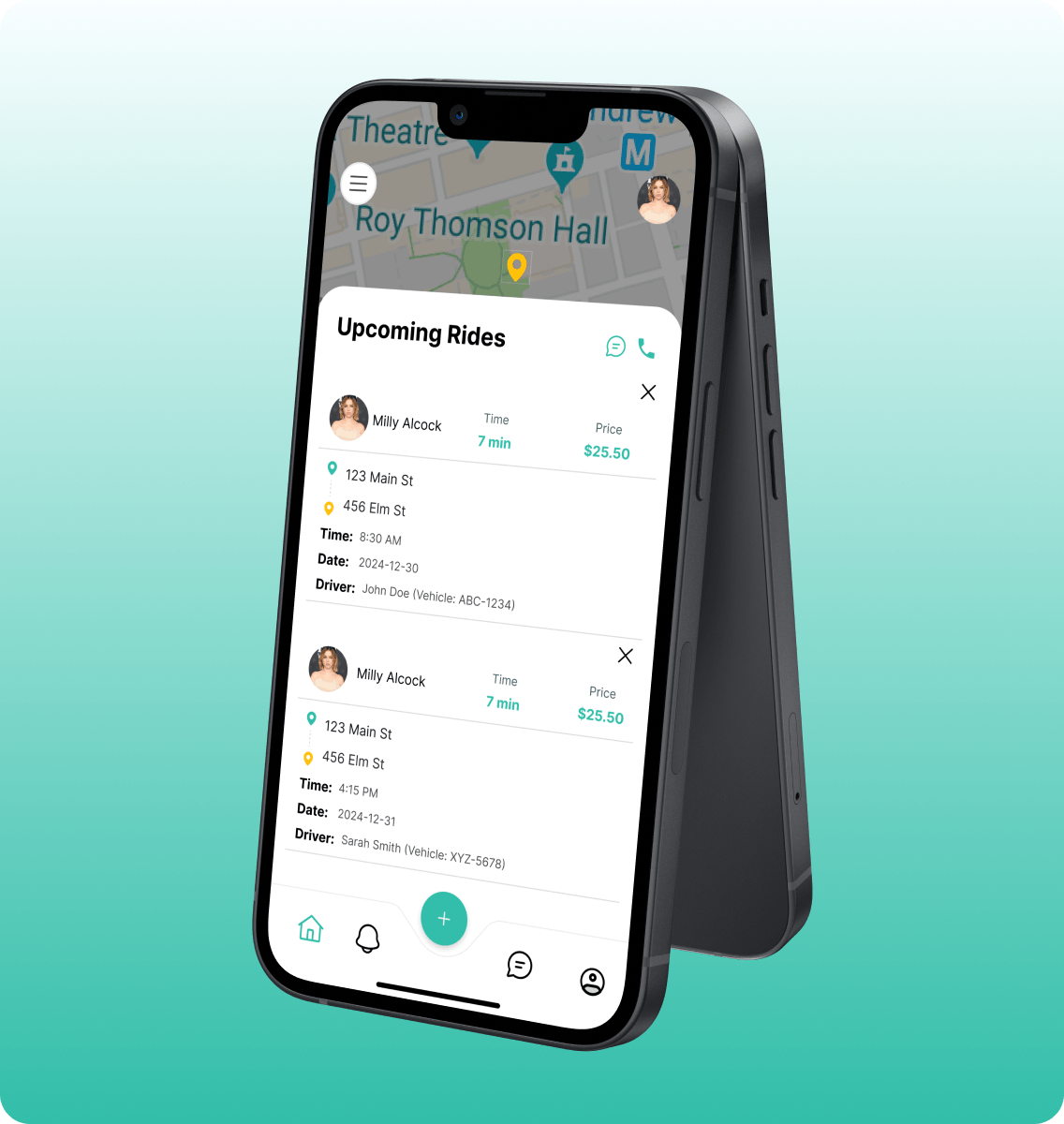
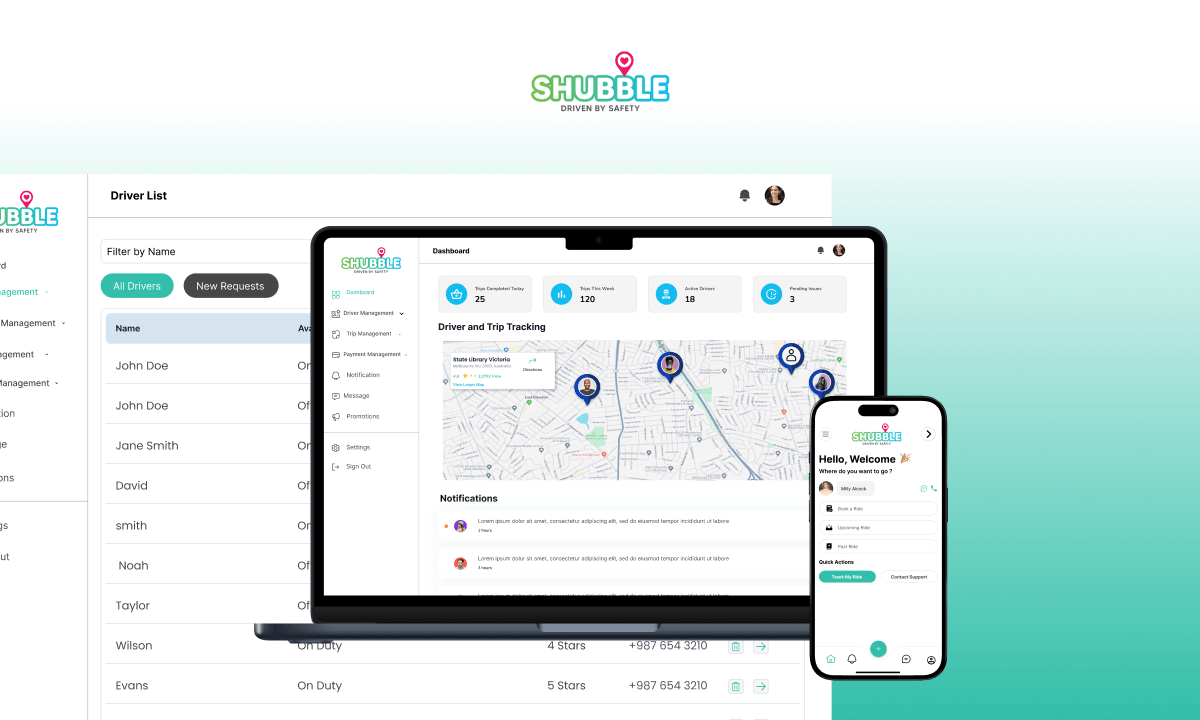
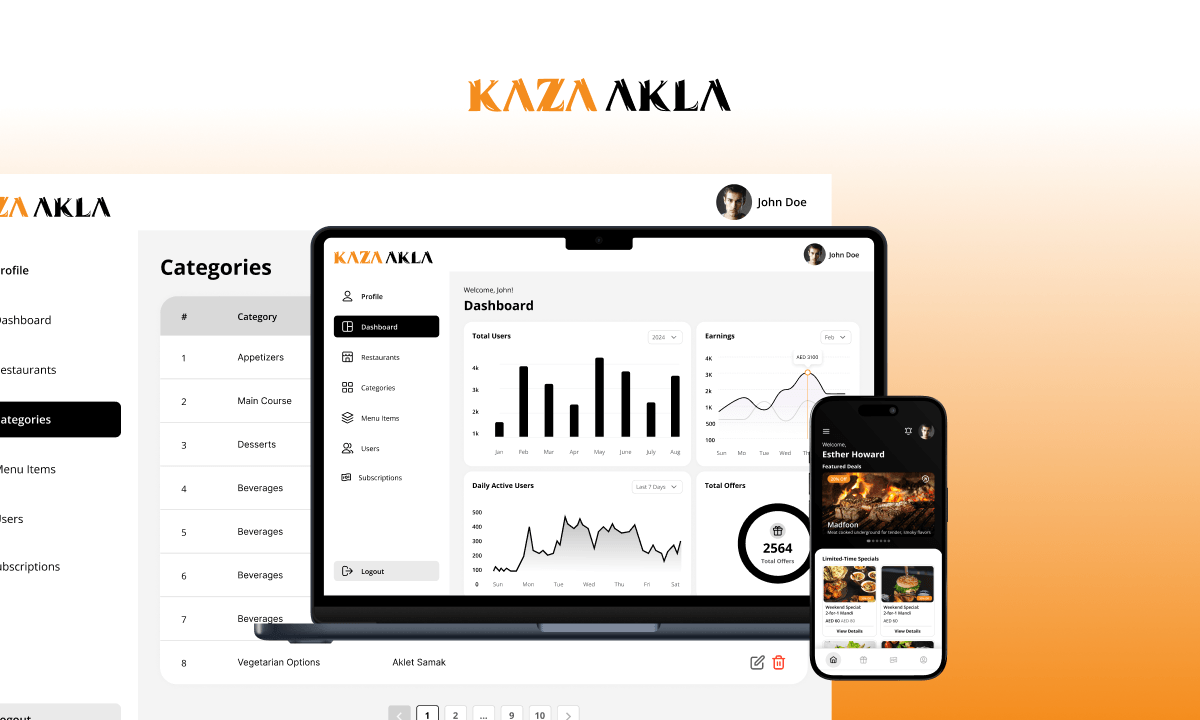
We built Shubble as a three-part platform: a parent app for booking and tracking, a companion driver app for managing daily trips and earnings, and a web-based admin panel for running the operation — all sharing the same Firebase backend.
DEPENDENTS & ACCOUNT SETUP
Parents sign up by email or phone OTP, then add a profile for each dependent who'll be riding — children or other family members — with the option to mark an older dependent as independent so they can travel and be tracked on their own. Emergency contacts and payment methods are managed from the same profile screen, and a dependent's own ride request is routed to the parent for approval before any driver is assigned.
BOOKING & RECURRING SCHEDULES
Parents can book a one-off ride or set up a recurring schedule — choosing specific days of the week or specific dates in the month — so a routine trip like a school run only needs to be set up once and is generated automatically for weeks or months ahead.
MULTI-STOP ROUTES & PRICING
A booking isn't limited to one pickup and one drop-off — parents can add stop-offs along the way, and Shubble plans the full route through every stop, not just a straight line to the final destination. Distance and travel time are calculated leg by leg across the whole route, using live traffic data where available, and summed into one total that feeds directly into the fare — so a multi-stop trip is priced for the route it actually drives. As the trip runs, the driver marks off each stop-off as it's reached, so both sides can see what's left of the route in real time.
DRIVER MATCHING & LIVE TRACKING
Once a ride is requested, both parent and driver follow the trip on a live map — through pickup, en route, and drop-off — with running ETA updates powered by Google Maps.
★ SCHEDULE- & DISTANCE-AWARE DRIVER MATCHING
Instead of just grabbing the nearest driver, Shubble checks every driver's full day of bookings before assigning a ride: it calculates when each driver will actually be free — trip duration plus a safety buffer — rules out anyone still busy at the new pickup time, and hands the ride to whichever available driver is closest to the pickup point, based on their last drop-off location or current position. The same schedule check runs again for recurring bookings, so a driver is never double-booked across one-off or repeating rides.
DRIVER APP & DAILY OPERATIONS
Drivers get their own home screen with a monthly roster of upcoming trips, a live view of the next and current trip, and dedicated screens to update trip status, review performance and ratings, and see completed trips for the month. New drivers go through a profile-approval step before they can accept trips, and every driver is linked to their assigned vehicle.
PAYMENTS, PROMOTIONS & TRUST
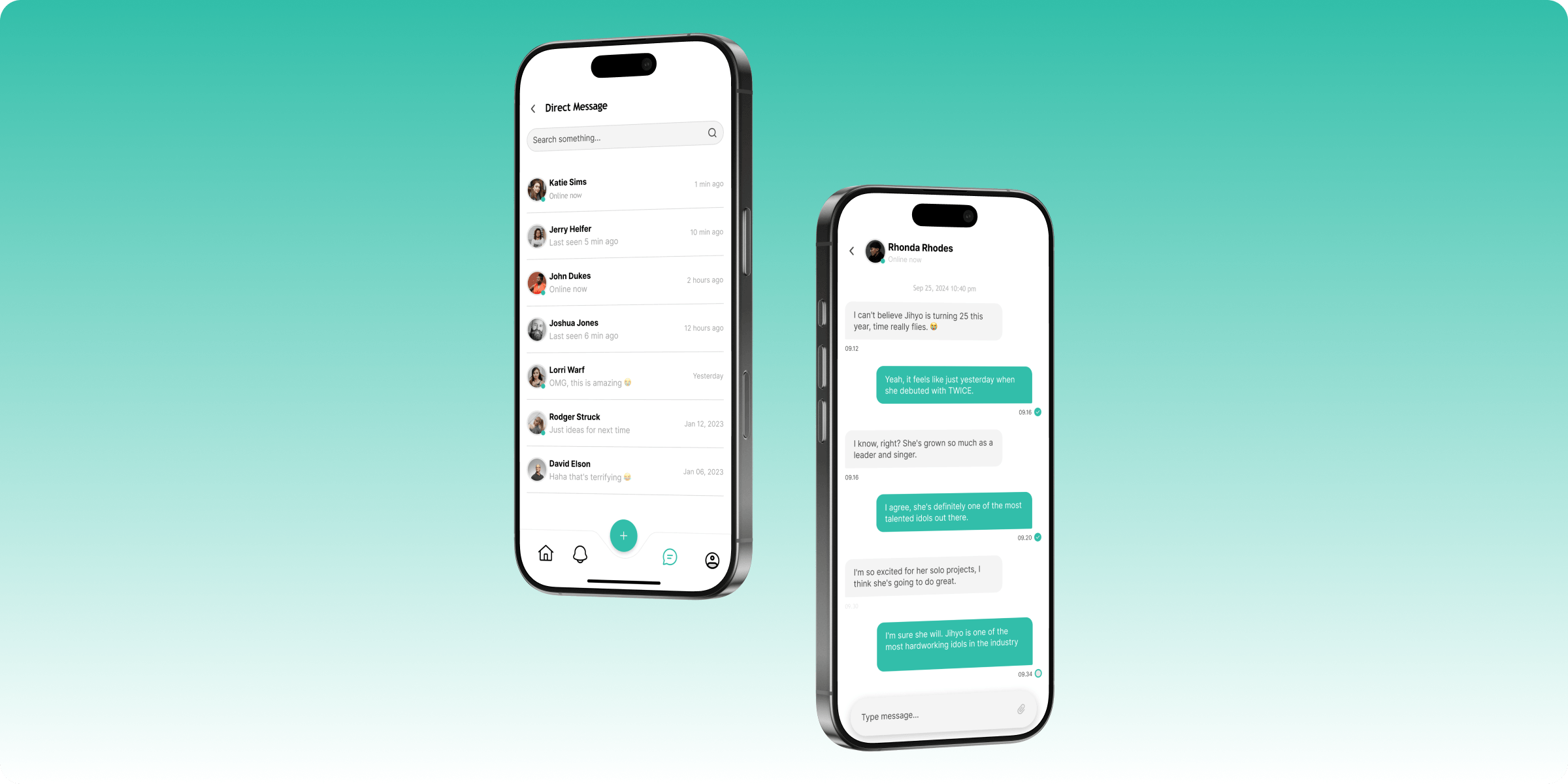
Rides are paid through Paystack or straight from an in-app wallet balance, with promo codes applying automatic discounts at checkout — capped by usage limits, minimum fare, and new-versus-returning-user rules. Every completed trip generates an invoice, drivers can be tipped directly in the app, and in-app chat plus a logged support-ticket flow keep parents, drivers, and the operations team connected when something needs attention.
ADMIN WEB PANEL
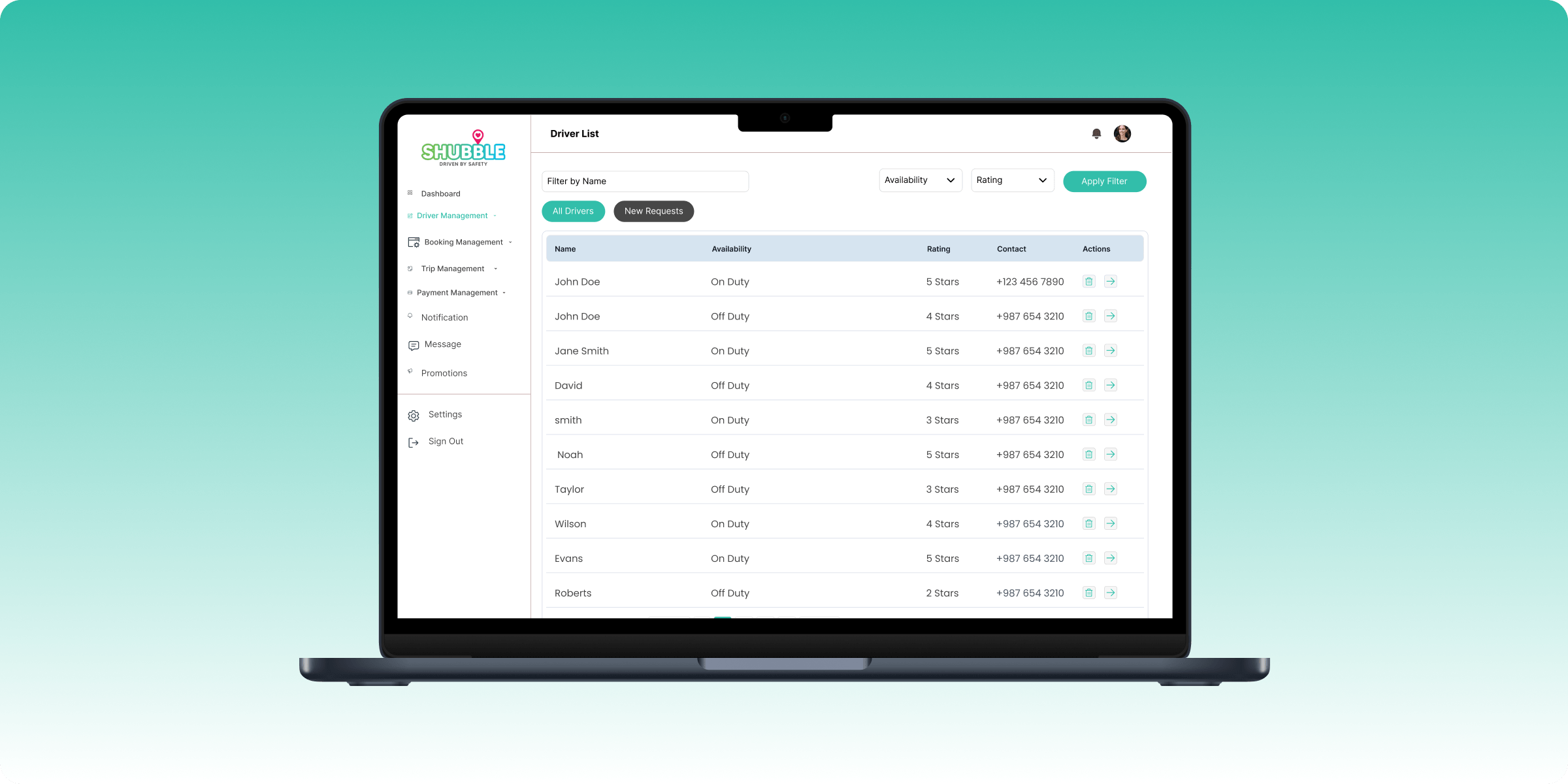
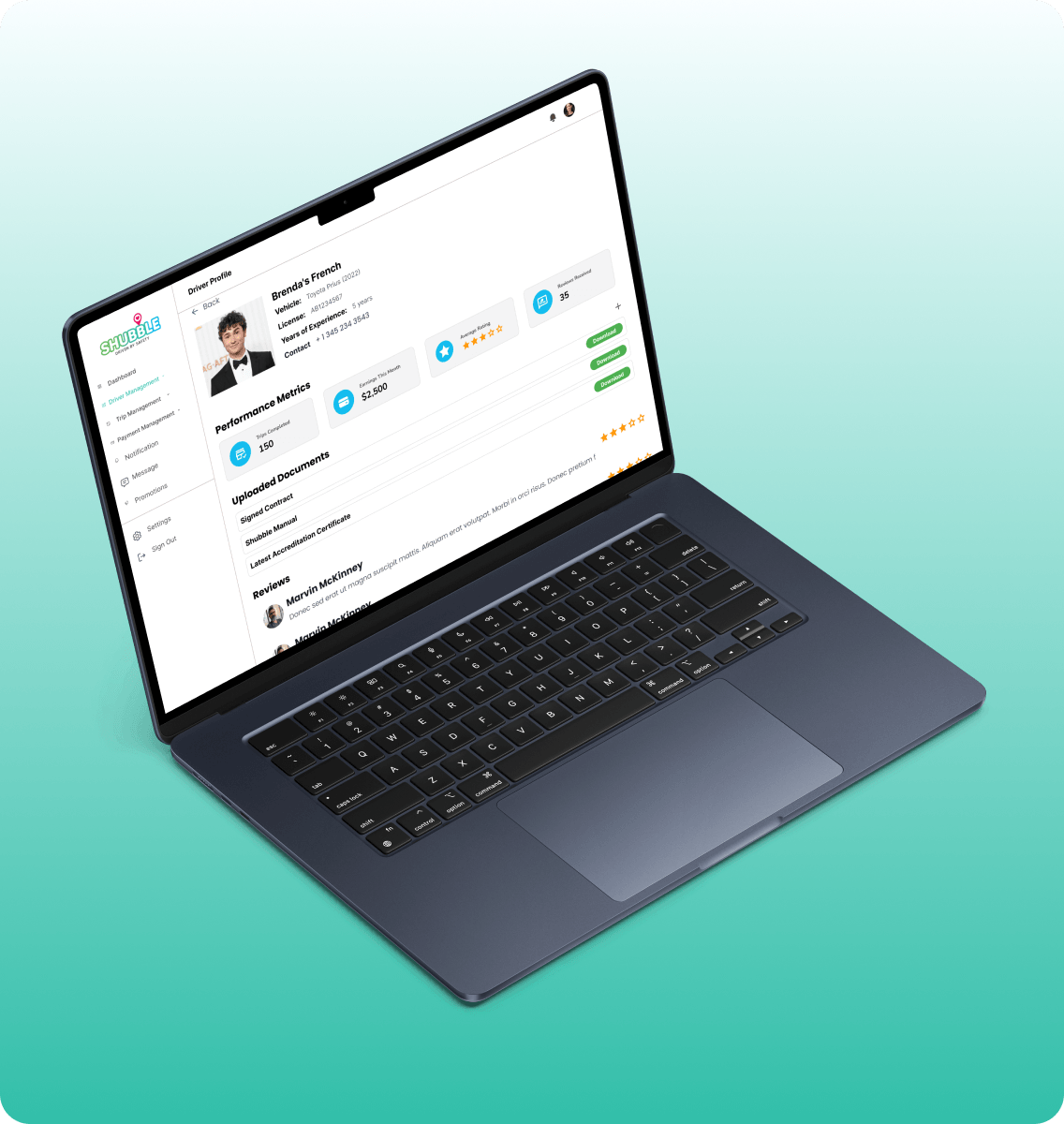
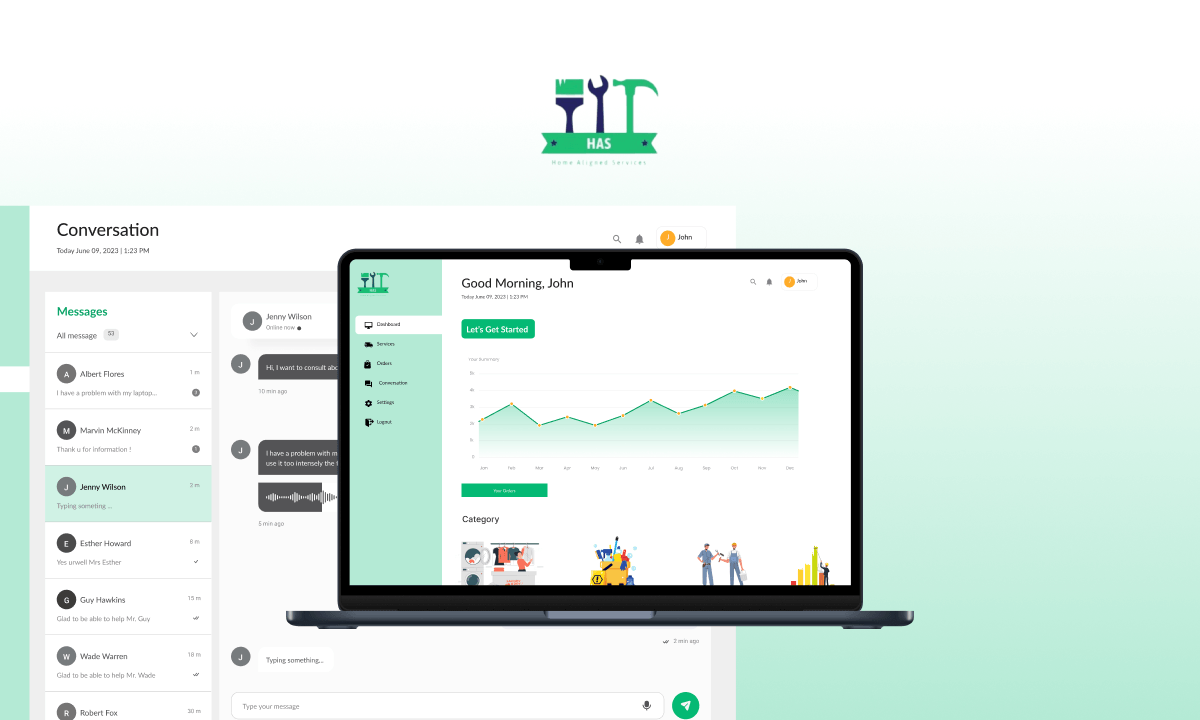
Alongside the two mobile apps, we delivered a web-based admin panel for running day-to-day operations: a live dashboard showing driver and trip activity on a map alongside completed-trip and active-driver stats; driver management with approval workflows and availability/rating filters; a fleet view for vehicles and driver assignment; a trip list filterable by date, status, driver, and client with manual overrides; promo code creation and management; driver tip tracking; and notifications — all from a single side-navigation layout.
.avif)
.png)



.avif)



.svg)
.svg)


.svg)


.svg)
.avif)




.avif)
