

.avif)
AI has reshaped how websites and web applications are built, tested, deployed, and optimized. In 2026, powerful generative models, autonomous coding agents, and intelligent design engines let developers move faster, build cleaner, and ship production-grade software with less repetitive work.
Below is the most comprehensive list of AI web development tools you should consider in 2026, structured for full-stack teams, solo builders, agencies, and enterprises alike.

Replit remains the top choice for AI-driven web development tools in 2026 thanks to its integrated cloud IDE with autonomous AI agents that help generate, test, refactor, and deploy full-stack applications entirely in the browser. Its Ghostwriter and Agent 3 environments support multi-file reasoning, real browser testing, and seamless Figma-to-code workflows.
Key strengths:
This makes Replit ideal for both full stack developers and no-code / low-code builders who want AI assistance without hopping between tools.

ChatGPT remains one of the most versatile AI aids for web development. Its code generation, debugging, and documentation capabilities help with JavaScript, HTML, CSS, backend APIs, and more. It can interpret entire codebases, explain logic, and generate production-ready documentation.
Use cases:
ChatGPT is now deeply integrated into IDE plugins and workflows, making it a daily driver for developers of all skill levels.
A successor to the original Copilot, Copilot X brings conversational interfaces, automated pull requests, and deep codebase understanding to developers. It runs natively inside IDEs like VS Code and JetBrains, helping with refactors, tests, and documentation creation.
Why it matters:
Copilot X is especially powerful for teams looking to scale developer productivity with AI integration.
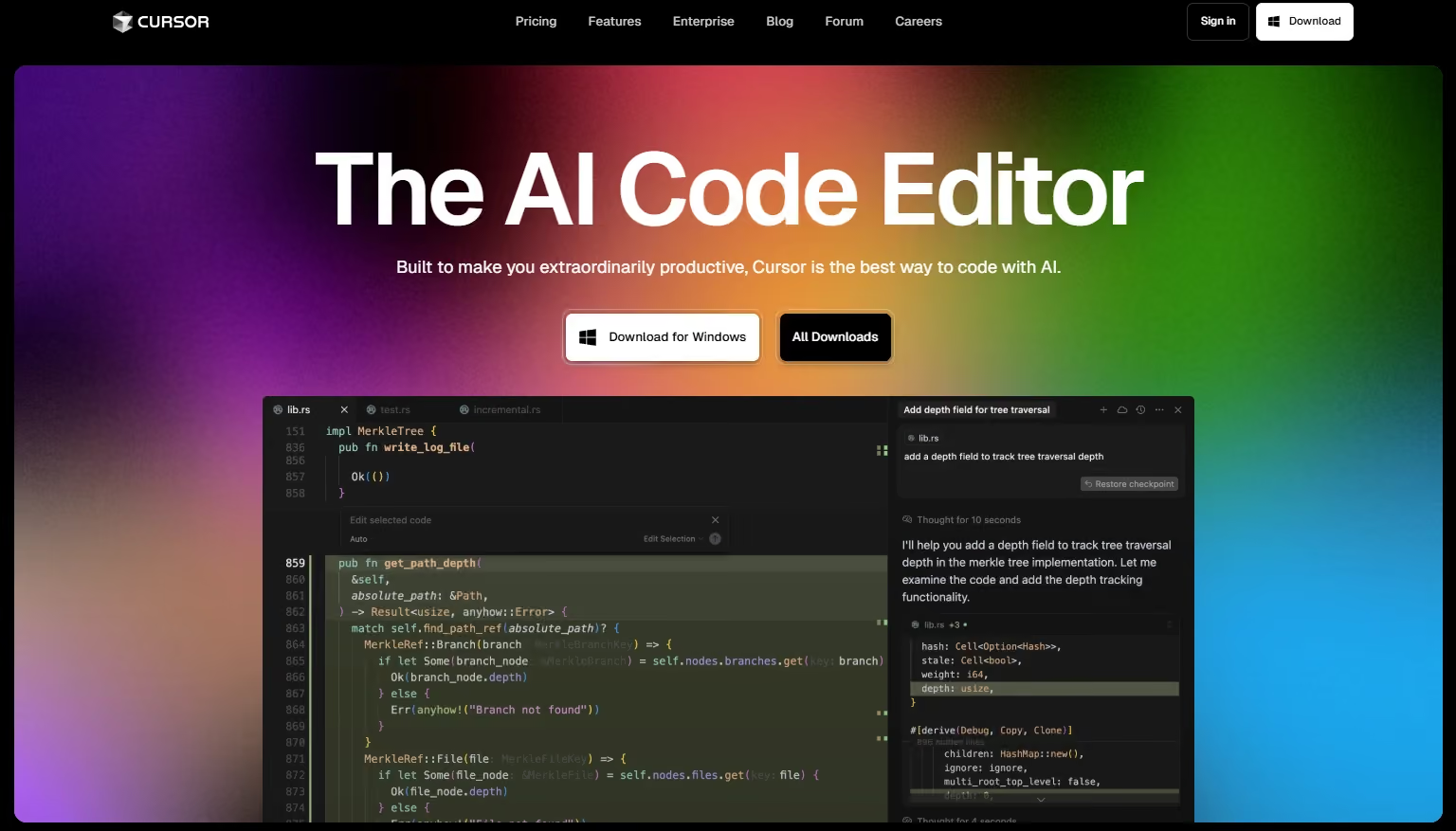
Cursor has emerged as a favorite for developers who want deeper AI integration directly inside a powerful code editor. It blends natural language prompts with context-aware code generation, refactoring, and debugging.
Best suited for:
Cursor’s model awareness makes it a strong choice for professional engineers.

Google Antigravity is an emerging AI-powered IDE that serves as a platform for autonomous coding agents and advanced AI reasoning around code. It integrates models like Gemini 3 Pro to let developers delegate complex programming tasks.
Highlights:
It’s ideal for developers working on large or complex codebases who want AI assistance baked into the development experience.
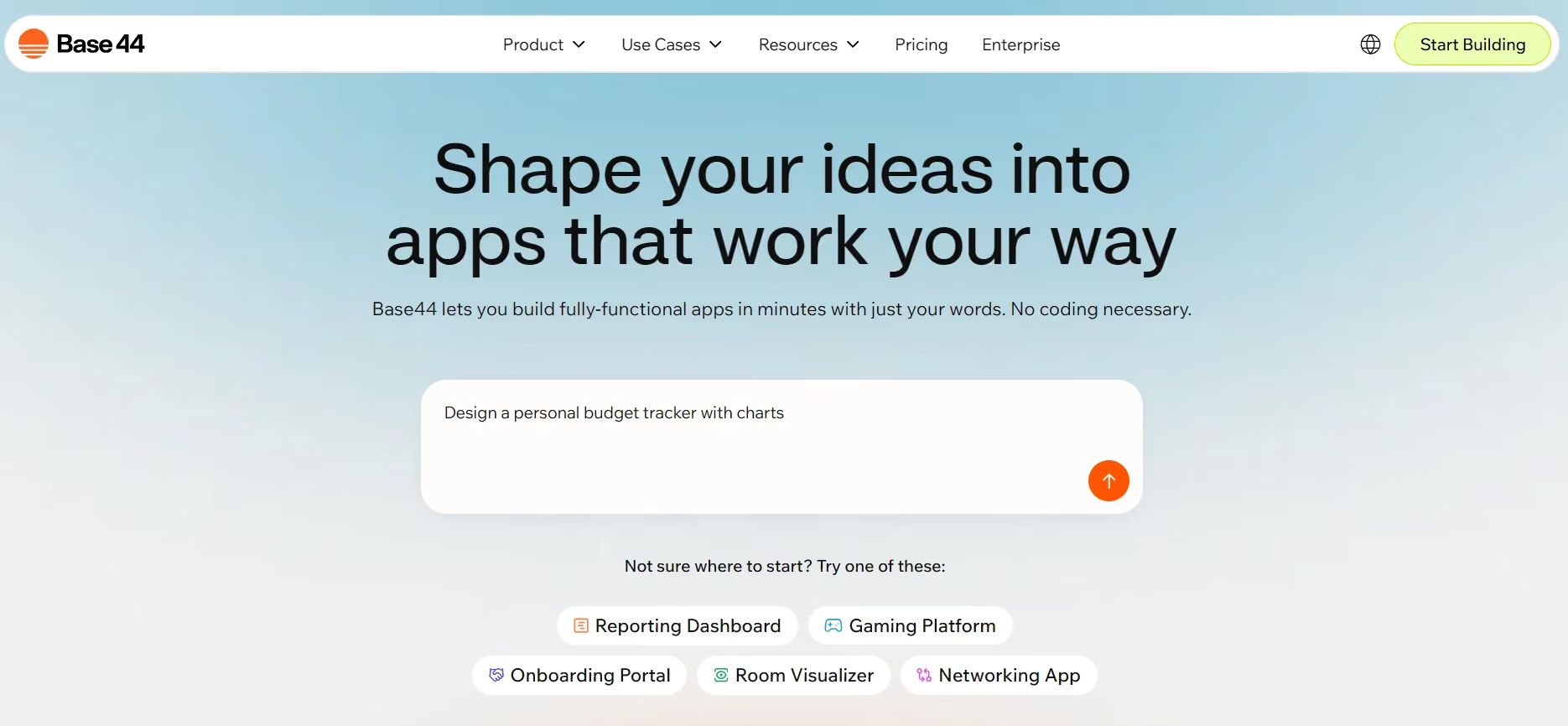
These platforms focus on text-to-website/web app generation from natural language prompts. Div-idy pioneered the concept of vibe coding that outputs production-ready HTML, CSS, and JavaScript from plain English.
Base44, acquired by Wix, pushes conversational AI into everyday site creation workflows, blending no-code ease with AI prompts.
These are great for designers, entrepreneurs, and builders needing rapid prototypes or marketing site generation.

Uizard streamlines UI/UX design by converting sketches or flows into code-ready responsive layouts, while Relume automates wireframes, sitemaps, and component design from text prompts.
Benefits:
These tools are especially effective for product teams and freelancers.

TeleportHQ provides collaborative visual design plus clean, production-ready HTML/CSS/JS export, making it suitable for teams that want real prototypes quickly without losing developer control.
Ideal for:
Tools like Tabnine focus on predictive code autocompletion and deep integration IDEs, learning your coding style to deliver personalized suggestions.
These assistants are perfect for:
AI tools that automate test generation and validation significantly cut down QA cycles. These include generation of unit tests, CI pipelines, and test reporting automation, letting teams push with confidence.
In 2026, the strongest web development setups combine multiple tools:
This layered approach yields both speed and quality.
AI tools for web development in 2026 have matured beyond simple helpers. They now create full environments where:
Replit sits at the top because it covers the full spectrum of AI web development capabilities, from ideation to deployment, without fragmenting your workflow.
AI powered web development tools in 2026 are platforms that use generative AI, autonomous coding agents, and intelligent design systems to help build, test, and deploy websites and applications faster with less manual coding.
Replit is considered one of the best because it provides a full cloud-based development environment with AI assistance, built-in hosting, real-time collaboration, and support for full-stack application development in one place.
No, AI tools do not fully replace developers. Instead, they enhance productivity by handling repetitive tasks, generating code, and speeding up workflows while developers focus on logic, architecture, and scalability.
Replit offers a full development environment with deployment, Cursor provides AI-first code editing inside a powerful IDE, and Copilot X focuses on AI-assisted coding directly inside existing development environments like VS Code.
Yes, many AI tools are beginner-friendly. Platforms like Replit, Uizard, and Base44 allow users to build applications or websites using natural language prompts with minimal coding knowledge.
Tools like Uizard, Relume, and TeleportHQ are widely used for AI-driven UI/UX design. They convert sketches or text prompts into wireframes, layouts, and even production-ready code.
Yes, many AI tools in 2026 are capable of supporting production-grade applications. However, proper review, optimization, and security checks are still required before scaling to real users.
The best approach is combining tools based on strengths: Replit or Cursor for development, Copilot X or ChatGPT for coding assistance, and Uizard or TeleportHQ for UI generation. This creates a faster and more efficient workflow.





.svg)
.svg)


.avif)
