

Did you know? Bubble.io makes building software accessible.
And securing it for real users, real data, and real revenue requires experience.
In many regions, especially across SaaS, fintech, and healthcare-adjacent products, security and performance are not optional enhancements. They are baseline expectations. Investors ask about them. Enterprise clients audit them. Users assume them.
This guide explains how experienced Bubble developers approach Bubble.io security and performance when an app moves beyond MVP and into production.
Bubble does not ship insecure applications.
Insecure apps are the result of misconfiguration.
The platform assumes developers will correctly handle privacy rules, backend workflows, and access control. Many do not, especially teams moving fast or founders building solo.
Common outcomes include:
None of these are platform limitations. All of them are preventable.
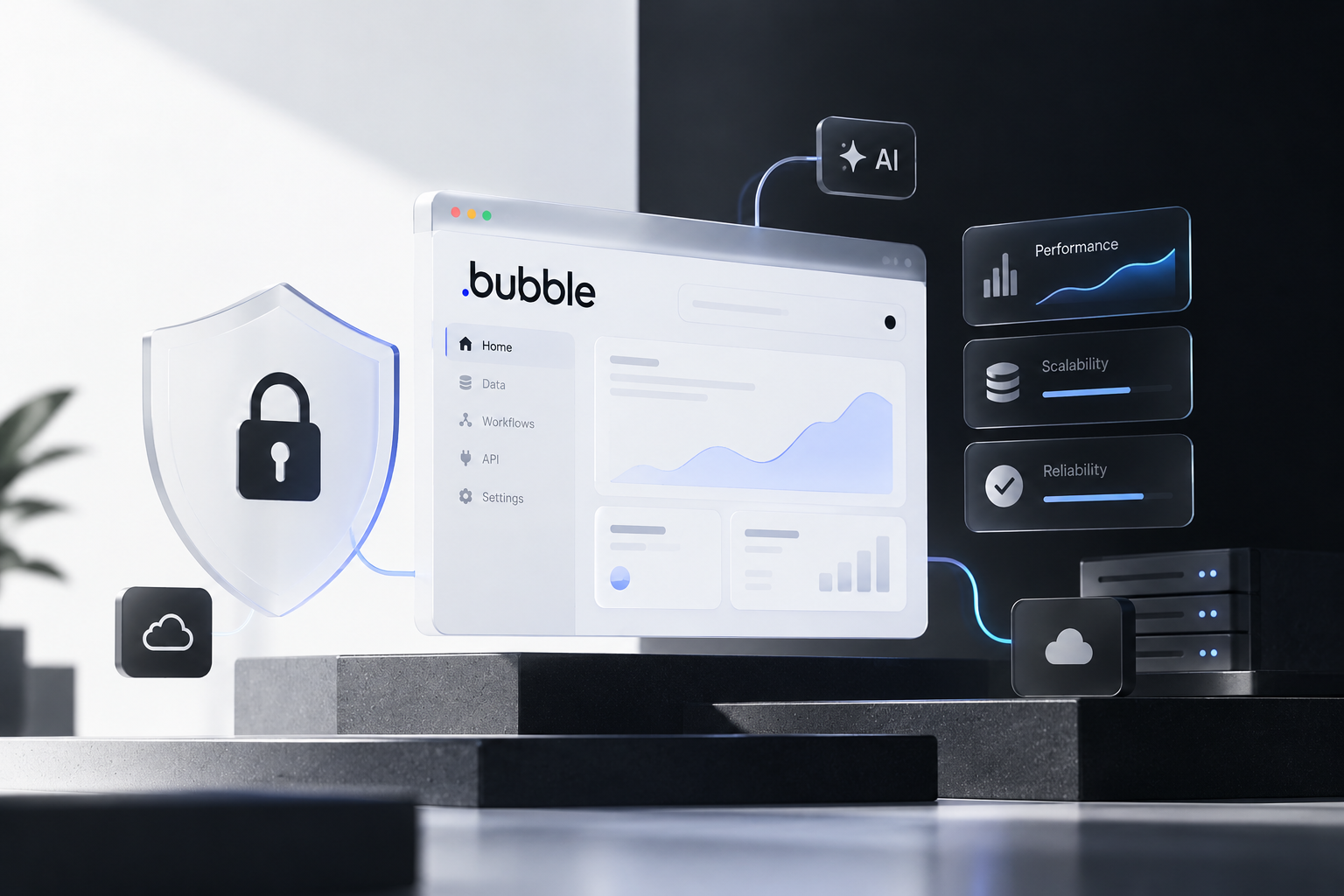
Privacy rules are the most important security feature in Bubble.
Every data type should start closed.
A safe default setup:
From there, access should be opened narrowly and intentionally based on ownership, role, or specific conditions.
Public-facing apps in the US often need to follow SOC-style thinking even if they are not formally certified. That mindset starts with denying access first, then allowing only what is necessary.
Not all data deserves the same level of exposure.
You should clearly separate:
Sensitive fields such as Stripe customer IDs, balances, internal roles, permissions, or flags should never be readable or editable from the frontend.
If a field can be seen in the browser, assume it can be abused.
This is where many AI-powered apps quietly fail security reviews.
This setting is commonly misunderstood.
Disabling “Find this in searches” means:
It does not secure the data itself.
If privacy rules allow access, the data is still accessible regardless of search settings. Visibility is controlled by privacy rules, not searchability.
File storage is one of the most common security weak points.
Best practices include:
Admin access should never be assumed. Even internal users should only see private files if explicitly allowed.
In regulated or enterprise-adjacent US products, unsecured file handling is often a deal-breaker.
Apps that treat every user the same are inherently risky.
Most production Bubble apps need defined roles such as:
Each role should have:
Weak authentication and flat access control are among the fastest ways to lose user trust and enterprise opportunities.
If logic matters, it belongs on the backend.
That includes:
Frontend workflows are visible to the browser. Backend workflows are not.
Secret keys, business rules, and sensitive processes should never live client-side. This is both a security and performance decision.
Triggers like Before Save and After Save enable powerful automation:
Public triggers without authentication checks create an open door.
Always restrict:
Automation without guardrails becomes a vulnerability.
Slow Bubble apps are rarely slow because of Bubble itself.
They are slow because of:
For non-techy people: "Frontend-heavy workflows" describes development processes where the majority of application logic, complexity, and performance considerations reside in the client-side interface that users interact with. The "heaviness" refers to the significant technical burden placed on frontend developers, tools, and processes.
Reusable elements reduce load size. Backend workflows reduce browser strain.
Performance optimization in Bubble is architectural, not plugin-driven.
These issues rarely show up during early testing. They appear after launch.
By the time they are discovered, trust is already damaged.
Because they are.
Bubble apps that succeed long-term are built with the assumption that:
When security and performance are designed from day one, Bubble.io becomes a serious production platform, not just a fast one.
The most important aspect is privacy rules. They control who can view, edit, and interact with data. If privacy rules are misconfigured, sensitive data can be exposed even if the app looks secure on the surface.
Most issues come from misconfiguration rather than platform flaws. Common problems include open privacy settings, exposed API keys, client-side logic handling sensitive operations, and unrestricted backend workflows.
A safe production setup starts with restricting all access by default, then explicitly allowing data access based on user roles, ownership, or specific conditions. This ensures only intended users can see or modify data.
File storage can be secure if configured properly. Files should be private by default, and access should only be granted through strict privacy rules. Public file exposure is one of the most common security mistakes.
Backend workflows handle sensitive operations like payments, API calls, database updates, and automation tasks. They improve both security and performance because they run server-side instead of in the browser.
Role-based access control ensures different users (such as admins, users, and partners) only see and perform actions relevant to their role. This reduces risk and prevents unauthorized access to sensitive data.
Performance issues are usually caused by poor architecture, such as too many elements on a page, unfiltered searches, and heavy frontend workflows. It is less about Bubble itself and more about how the app is built.
Yes, Bubble.io can support production-grade apps if built correctly. With proper security rules, backend workflows, and performance-focused architecture, it can power scalable SaaS, fintech, and enterprise applications.


.svg)
.svg)
.avif)
.avif)



.avif)
